How to make phone calls from a Mac without an iPhone
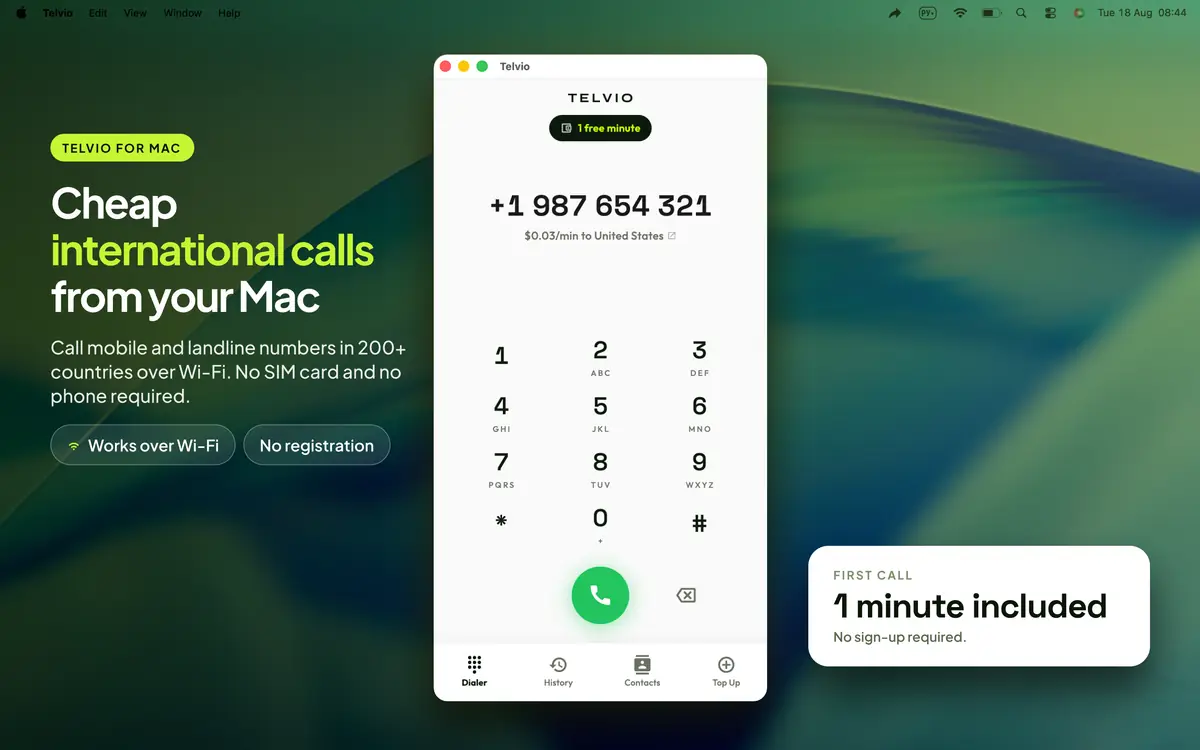
macOS has no Phone app. Every way Apple offers to make a call from a Mac relays it through your iPhone. Telvio is a native Mac app that places the call from the Mac itself, over the internet, to any landline or mobile number in 200+ countries.
- Runs on Intel and Apple silicon
- Works with the iPhone off or abroad
- Type numbers on a real keyboard
- From $0.03 a minute
Four ways to get a call onto a Mac, and what each one needs
Apple gives macOS three of them and all three lean on an iPhone. This is what separates them from an app that dials by itself.
| Reaches any phone number | Needs your iPhone | Who bills you | |
|---|---|---|---|
| FaceTime Audio | No | No | Nobody — but it only reaches Apple users |
| iPhone Cellular Calls (Continuity) | Yes | Yes | Your mobile carrier |
| iPhone Mirroring (macOS Sequoia) | Yes | Yes | Your mobile carrier |
| A browser tab — Google Voice, Teams | Yes | No | That service, on its own terms |
| Telvio for Mac | Yes | No | Per destination, from $0.03/min |
Which Macs it runs on
Telvio needs macOS 11.5 Big Sur or later. Because Big Sur reaches back to Intel machines from 2013, the practical answer for most people is: yours. Each bar starts at the oldest model in that line Apple lists as Big Sur compatible.
Model year of the oldest supported machine in each line.
macOS has no Phone app either
A Mac can ring. What it cannot do on its own is place a call to a telephone number. FaceTime reaches other Apple users. iPhone Cellular Calls, which is what people mean when they say their Mac makes calls, hands the call to the iPhone: Apple's own documentation describes the Mac as a handset for a call the phone is placing, and requires both devices to be signed in to the same Apple Account and on the same Wi-Fi network, with the iPhone carrying an active carrier plan.
macOS Sequoia added iPhone Mirroring, which looks like a bigger change than it is. It puts your iPhone's screen on the Mac, so you can open the Phone app there and dial — but it requires an Apple silicon or T2 Mac, iOS 18, both devices on the same Apple Account with two-factor authentication, Bluetooth and Wi-Fi on, and an iPhone that is locked and physically near the Mac. It is a remote control for a phone, and the phone is still the thing making the call.
Every one of those routes bills through your mobile carrier at your carrier's international rate, and every one of them fails in the same circumstances: the phone is in another room, out of battery, in another country, or does not exist. Telvio removes the phone from the chain. The Mac places the call itself, over whatever internet connection it has, and the price is set per destination rather than by whoever issued your SIM.

What a laptop is actually better at
Calling from a computer is not a compromise for people without a phone in reach. For some calls it is straightforwardly the better instrument, and it is worth being specific about which ones.
Numbers you are reading off the screen. A supplier's number in an invoice, a consulate's number on a government page, a landlord's number in an email thread. Copy, paste, call. Retyping a fifteen-digit international number into a phone keypad from a screen a metre away is where wrong numbers come from.
Calls you take notes on. An hour with a bank, an insurer or an embassy is one long note-taking exercise, and the keyboard is already under your hands. The call keeps running while you switch windows.
Calls where you need to be heard. A wired or USB headset on a desk beats a phone on speaker in a room with other people in it, in both directions.
Calls placed from a country whose network you do not want to touch. A laptop on hotel Wi-Fi has no SIM, no roaming agreement and no bill shock attached to it.

Audio on a Mac: the part worth ten seconds of checking
A MacBook's built-in microphone is good, and it is also a metre from your mouth with a fan behind it. A Mac mini, a Mac Studio and a Mac Pro have no microphone at all — Apple sets the same requirement for taking Continuity calls on those machines, which is that you supply a headset or an external microphone.
The two failures that come up most on a desktop are both silent. The first is macOS routing input to a device you did not intend: a monitor's built-in microphone, or a webcam's, picked because it was plugged in last. The second is a Bluetooth headset switching into hands-free mode the moment an app opens the microphone, which halves the audio quality in both directions and announces itself nowhere.
Checking takes ten seconds in a browser tab. Our microphone test shows the live input level and which device macOS is actually listening to, and there are variants set up for the two apps people most often discover the problem in — the Zoom microphone test and the Teams microphone test. Doing it before a call to an embassy is cheaper than doing it during one.
The connection itself needs very little. A call uses roughly 30 to 40 kilobits per second in each direction, so bandwidth is almost never the problem. Consistency is: a connection that drops packets in bursts makes speech break up while staying connected, and Ethernet or a quieter Wi-Fi band fixes that where more bandwidth does not.
What a call from a Mac costs
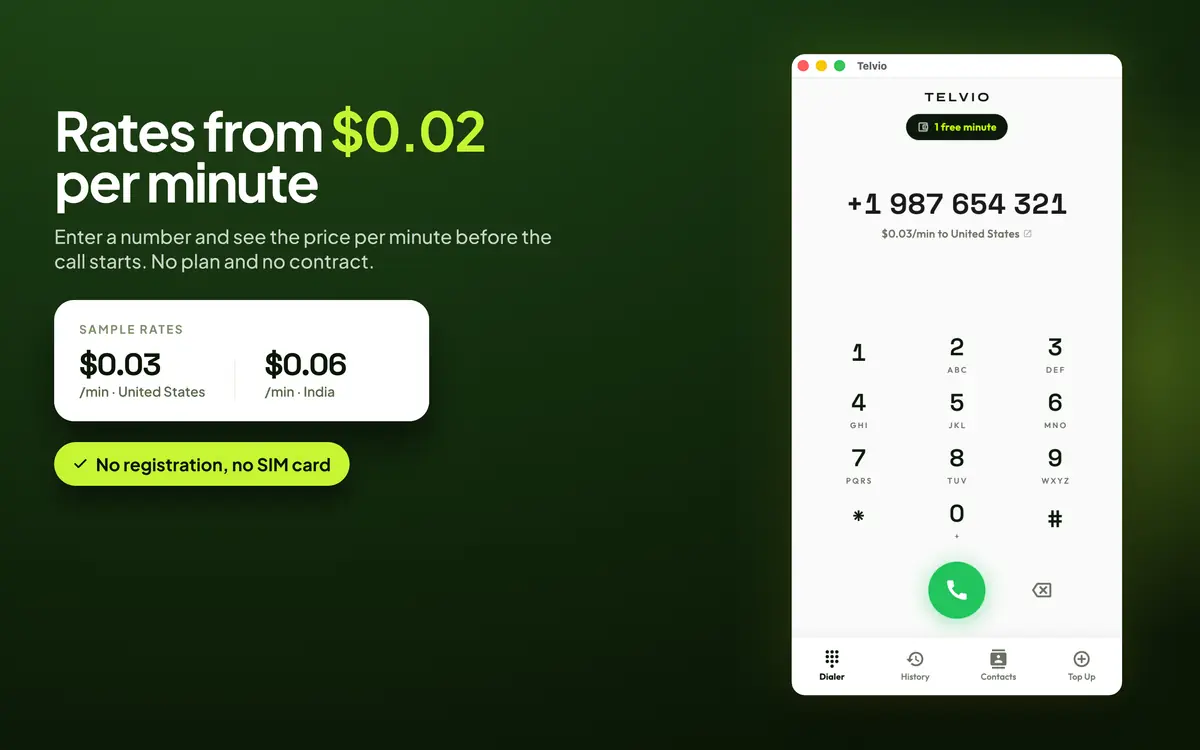
The price follows the number you dial, not the machine you dial from. A minute to the United States is $0.07, a minute to India is $0.24, and the cheapest corridors on the sheet are $0.03. Every rate is on the published rate sheet, and the one that applies to the number you have typed is on screen before the call connects.
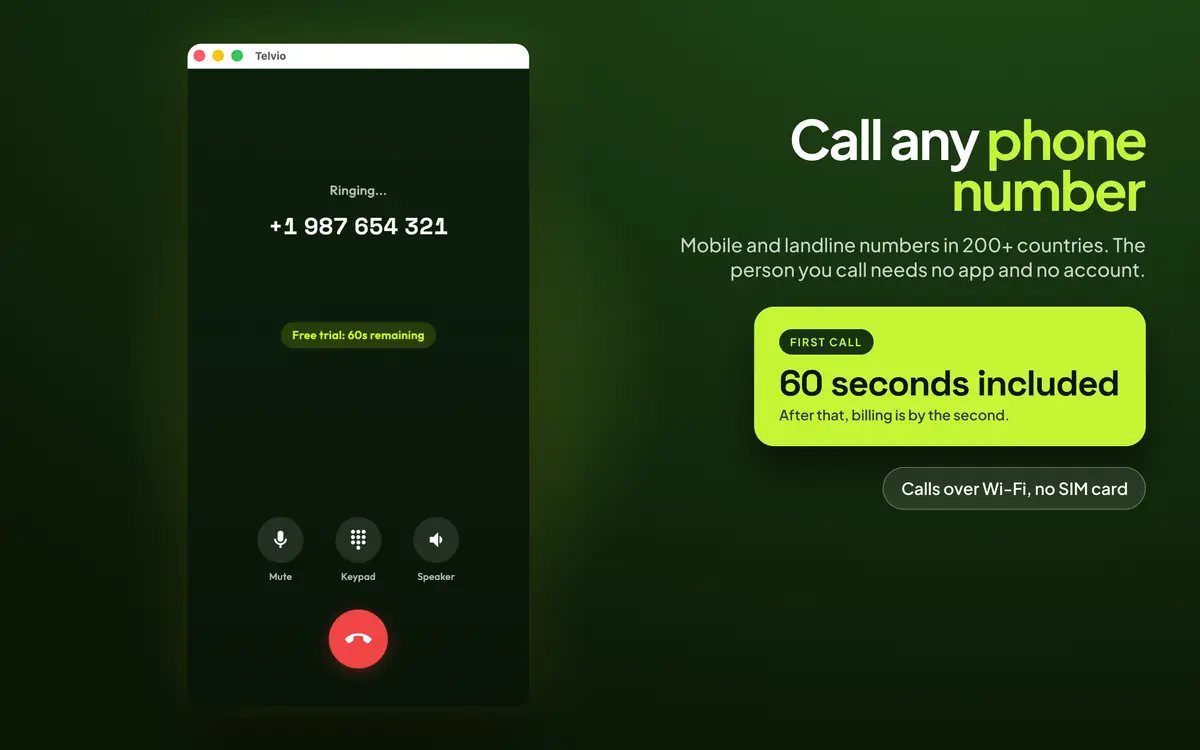
Every install starts with a free minute. Use it on the corridor you care about rather than on a test number — call quality is per destination, and one real minute tells you more than any review. After that credit is bought as a one-off in-app purchase, from $1.99, and spent at the per-country rate.
Billing is by the second from the moment the far end answers, with no connection fee. A 25-second call to confirm an appointment costs 25 seconds. Services that bill in 60-second blocks charge it as a full minute — and charge a 61-second call as two.
Credit does not expire. Purchases are handled by Apple, so no card details reach us, and a refund is requested from Apple exactly as for any other Mac App Store purchase. The pricing page shows what each pack buys in minutes on the corridors people ask about most.

Getting the download from the right storefront
Telvio is a universal purchase: one App Store entry covers the iPhone, iPad and Mac builds, and buying credit on one device does not buy it on the others, because there is no account tying them together. The button on this page opens the Mac App Store specifically. That distinction matters more than it sounds — a store link that opens the iPhone listing on a Mac shows a Get button that installs nothing on the machine you are sitting at, which is a surprisingly common way for a download page to fail.
The Mac build is a native Mac app, not an iPad app in a window. It has a real title bar, a real menu bar, and it behaves like a Mac app when you resize it, hide it, or leave it running in the background during a call.
There is no account to create and nothing to sign in to, on this device or any other. The first screen after install is the dial pad, with the free minute already on the balance.
Bottom line
macOS cannot place a call to a telephone number by itself. FaceTime reaches Apple users only; iPhone Cellular Calls and iPhone Mirroring both relay through an iPhone that has to be switched on, nearby and signed in to the same Apple Account, and both bill through your mobile carrier.
Telvio for Mac is a native Mac app that dials any landline or mobile number in 200+ countries over the Mac's own internet connection. It needs macOS 11.5 Big Sur or later, which covers Intel Macs back to 2013 as well as every Apple silicon machine, and downloads in 59 MB.
Rates are per destination and shown before you dial — $0.07 a minute to the United States, $0.24 to India, from $0.03 at the cheapest — with per-second billing, no connection fee and credit that does not expire. The first minute is free, there is no account, and the person you call needs nothing but a phone that rings.
What the app looks like on a Mac
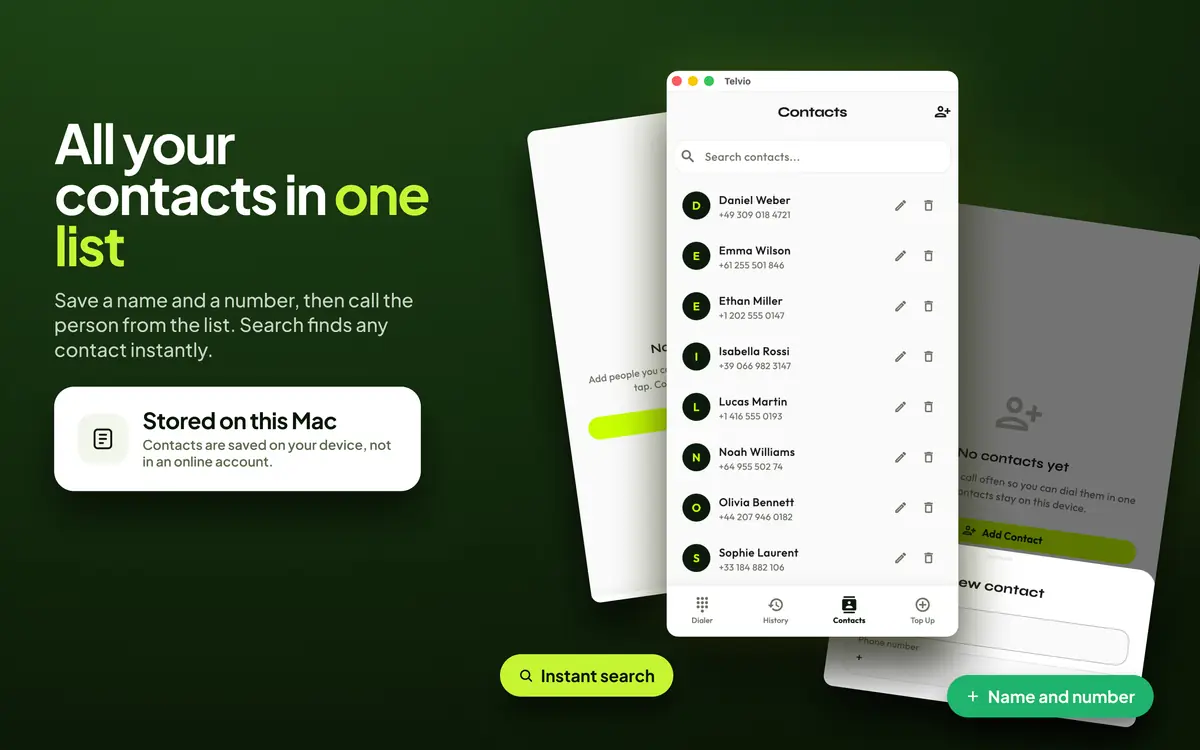
A real Mac window with a real menu bar — not a phone app in a box. Frames from the Mac App Store listing, shown in the language the store shows them in.
Telvio for Mac at a glance
| Requires | macOS 11.5 (Big Sur) |
|---|---|
| Runs on | Every Mac that runs Big Sur — Intel models from 2013–2015 onward and all Apple silicon |
| Current version | 1.1.0 |
| Download size | 59 MB |
| Last updated | 2026-08-19 |
| App languages | 30 |
| Connection | Any internet connection — Wi-Fi, Ethernet or a tethered phone. |
| Price | Free to download. Call credit is an in-app purchase from $1.99, billed by the second. |
| Age rating | 4+ |
| The person you call needs | Nothing. The call rings their ordinary phone, landline or mobile. |
First call from a Mac
Nothing to configure. The free minute is on the balance when the window opens.
- 01
Install from the Mac App Store
A 59 MB download, installed like any other Mac app. Telvio is a universal purchase across iPhone, iPad and Mac, so one App Store entry covers all three.
- 02
Type the number — the keyboard works
Numbers go in from the keyboard, and a number copied from a browser tab, an email or a spreadsheet pastes straight in with its spaces and brackets intact. Country code first, and drop the destination's leading zero.
- 03
Allow the microphone once
macOS asks the first time you call and remembers the answer. A Mac mini or a Mac Studio needs an external microphone or a headset — the same requirement Apple sets for taking calls on those machines through Continuity.
Sources
- Make and receive phone calls on Mac, iPad and Apple Vision Pro opens in a new tab — Apple. iPhone Cellular Calls: the iPhone places the call, the Mac acts as a handset. Also the source for the external-microphone requirement on the Mac mini, Mac Studio and Mac Pro.
- iPhone Mirroring: use your iPhone from your Mac opens in a new tab — Apple. The requirements behind the Sequoia row in the table: Apple silicon or T2 Mac, iOS 18, the same Apple Account with two-factor authentication, and an iPhone that is locked and nearby.
- macOS Big Sur is compatible with these computers opens in a new tab — Apple. The seven start years plotted in the compatibility chart above.
- International Calls — Telvio on the Mac App Store opens in a new tab — Apple. Version, download size, minimum macOS, language count and age rating.
What a Mac can and cannot do without a third-party app is quoted from Apple's own documentation, because it is the claim most often repeated wrongly. App Store figures were last verified on 20 August 2026.
Mac questions
Can a Mac make phone calls without an iPhone?
Not with Apple's built-in features — FaceTime reaches only Apple users, and both iPhone Cellular Calls and iPhone Mirroring relay the call through an iPhone that must be switched on, nearby and signed in to the same Apple Account. A calling app such as Telvio places the call from the Mac itself over the internet, so no iPhone is needed at all.
Which Macs can run Telvio?
Any Mac running macOS 11.5 Big Sur or later. Big Sur supports the MacBook Air and MacBook Pro from 2013, the Mac Pro from 2013, the Mac mini and iMac from 2014, the MacBook from 2015 and the iMac Pro from 2017 — plus every Apple silicon Mac released since.
Is the Mac version a real Mac app or an iPad app in a window?
A real Mac app, with a title bar, a menu bar and normal window behaviour. It runs on Intel Macs as well as Apple silicon ones, which an iPad app on the Mac cannot do.
Do I need a headset to call from a Mac?
On a MacBook, no — the built-in microphone works, though a headset sounds better on a long call. A Mac mini, Mac Studio or Mac Pro has no microphone at all and needs a headset or an external microphone, which is the same requirement Apple sets for taking Continuity calls on those machines.
Does Telvio on the Mac cost extra if I already have it on my iPhone?
No. It is a universal purchase, so one App Store entry installs it on iPhone, iPad and Mac. Call credit is held per device rather than in a shared account, because there is no account, so credit bought on the phone stays on the phone.
How much internet does a call from a Mac use?
Roughly 30 to 40 kilobits per second in each direction — a few megabytes for a long call. Bandwidth is rarely the limiting factor; a connection that loses packets in bursts is, because it makes speech break up while the call stays connected.
Can I keep working during a call?
Yes. The call continues while the window is behind others or hidden, so you can take notes, look something up or switch apps without dropping it.
Call from the machine you are already working on
No phone to find, no SIM, no account. The first minute is free.
Away from the desk? The same app runs on iPhone and iPad. iPhone iPad
