Telvio runs on four kinds of device
Telvio is a free calling app for iPhone, iPad, Mac and Android that dials ordinary landline and mobile numbers over the internet. Every build carries the same rates, the same per-second billing and the same one free minute, and none of them requires an account.
One app, four builds, one rate sheet. Pick the machine you actually want to call from — each page below answers the question that platform raises, not the same page four times.
Choose your device
Each of these is a different argument, because each platform raises a different question.
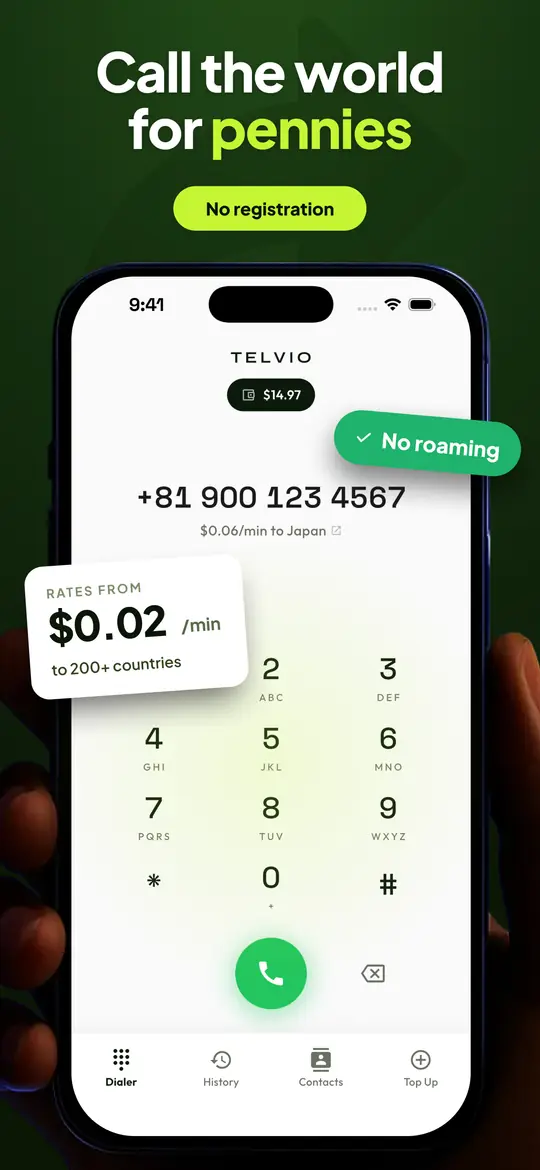
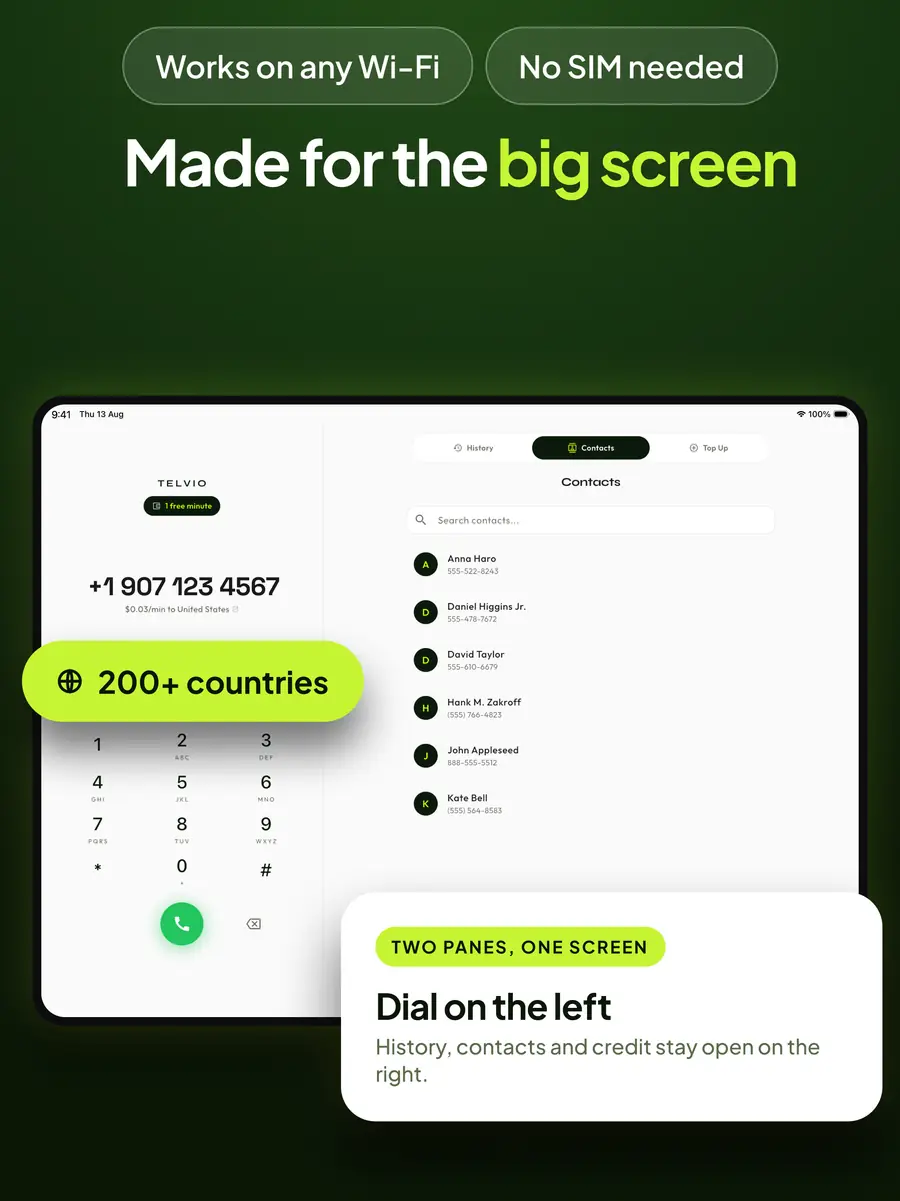
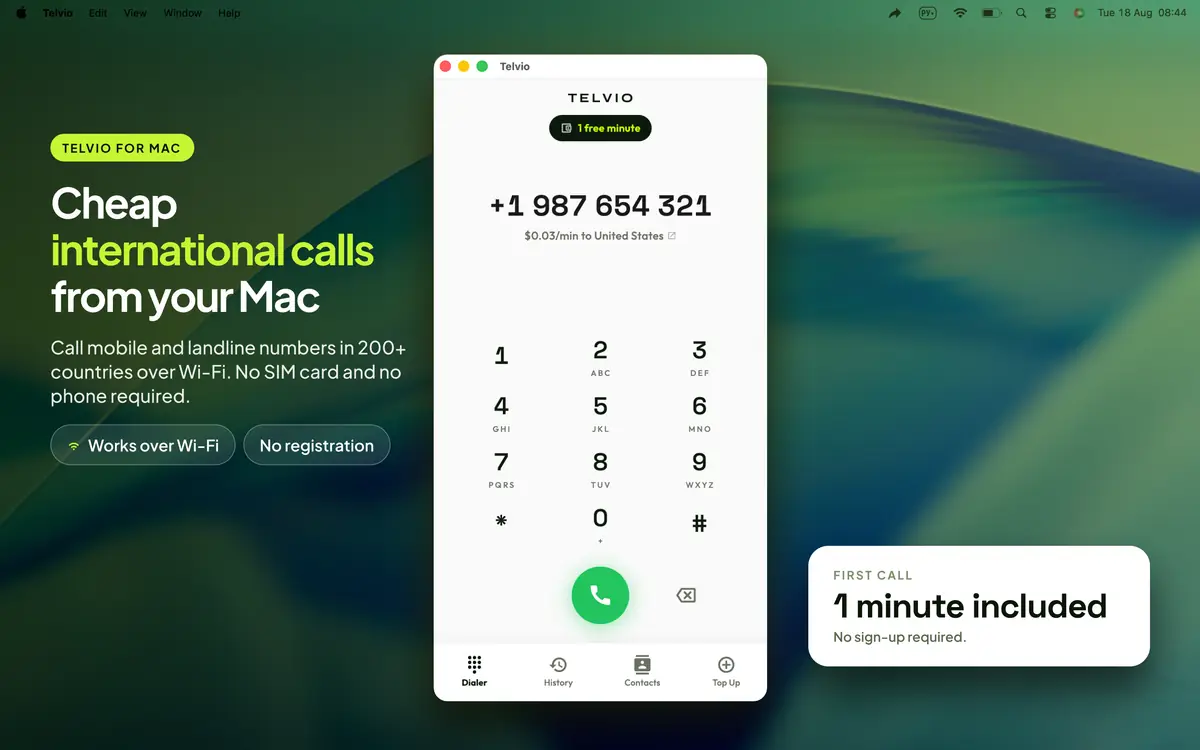
What each build can do
The differences are hardware, not policy. Rates, billing and the absence of an account are identical everywhere.
| iPhone | iPad | Mac | Android | |
|---|---|---|---|---|
| Minimum OS | iOS 15.6 | iPadOS 15.6 | macOS 11.5 | Android 7.0 |
| Calls any landline or mobile | Yes | Yes | Yes | Yes |
| Works with no SIM in the device | Yes | Yes | Yes | Yes |
| Needs another device nearby | No | No | No | No |
| Per-second billing, no connection fee | Yes | Yes | Yes | Yes |
| Account required | No | No | No | No |
| Where credit is bought | App Store | App Store | Mac App Store | Google Play |
One purchase, four builds, one balance per device
Telvio is a universal purchase on Apple's side: the same App Store entry installs the iPhone, iPad and Mac builds, and buying it on one does not cost anything on the others. The Android build is a separate listing on Google Play, because the two stores are separate businesses, but it is the same app and the same rate sheet.
Call credit works the other way round, and this catches people out often enough to be worth stating plainly: credit lives on the device that bought it. Money added on a phone stays on that phone; it does not appear on the Mac. That is not a restriction we chose for its own sake — it is the direct consequence of there being no account. An account is what would let a balance follow you between devices, and an account is also an email address, a password, a record with your name on it and something to lose in a breach. We took the trade the other way.
In practice it matters less than it sounds, because the rates are identical everywhere. A minute to the United States costs the same dialled from a laptop as from a phone, so a balance in the wrong place costs you nothing but the inconvenience of topping up twice. If you expect to call from two devices regularly, put a small pack on each rather than a large one on either.
The free minute follows the same rule: every new install gets one, on every device. Four installs is four free minutes, which is enough to test the corridor you actually care about on each of them before spending anything.
What you get, on every one of them
Cheap rates
Call the United Kingdom for $0.03/min and Mexico for $0.05/min. No hidden fees and no connection charges.
Calls over any connection
Wi-Fi, 4G, 5G or Ethernet. Call from a hotel, an airport or a desk anywhere in the world.
No registration
No account, no email, no phone number required. Download, open, and start dialling immediately.
How it works
Download
Get Telvio from the App Store, the Mac App Store or Google Play. The dial pad is the first screen — there is no onboarding to click through.
Dial
Enter any phone number with its country code, or pick from your contacts. The rate per minute shows before you call.
Talk
Your call connects over the internet. The other person answers their regular phone. No app is needed on their end.
What makes Telvio different
No registration whatsoever
Most calling apps require an email, a phone number or a social login. Telvio requires nothing. Download, open, call — and there is no account for anyone to breach.
Minutes that never expire
Skype credit went dormant after 180 days of inactivity, and Viber Out credit runs on a similar clock. Telvio credit stays on the device permanently.
Per-second billing
Some services bill in 60-second blocks, so a 61-second call costs two minutes. Telvio bills to the nearest second, with no connection fee.
Calls real phone numbers
Unlike WhatsApp or Signal, Telvio connects to actual landlines and mobiles. The person you call needs no app and no internet connection.
200+
Countries covered
$0.03
Cheapest per-minute rate
0
Registration steps
∞
Minute expiration
Ready to call?
Your first minute is free. No strings attached.
Download questions
Is Telvio free to download?
Yes, on every platform. The app is free on the App Store, the Mac App Store and Google Play, and every new install includes one free minute to call any country. Additional credit is a one-time in-app purchase starting at $1.99.
Do I need to create an account or register?
No. Telvio requires no registration, no email address and no phone number. Download the app, open it, and start dialling — you can make your first call within seconds of installing, on any of the four platforms.
What devices are supported?
iPhone and iPad on iOS or iPadOS 15.6 and later, Mac on macOS 11.5 Big Sur and later, and Android phones and tablets on Android 7.0 and later. Every build needs a Wi-Fi or mobile data connection to place a call.
Is my credit shared between my devices?
No. Credit is held on the device that bought it, which is a direct consequence of there being no account. Buying credit on a phone does not put it on a Mac. The rates are identical everywhere, so nothing is lost either way.
How much storage does the app use?
About 59 MB on iPhone, iPad and Mac. On Android it varies by device, because Google Play delivers an app bundle and each phone downloads only the code and resources it needs.
Can I use Telvio on a tablet?
Yes, on both iPad and Android tablets — and on a tablet the app often supplies a capability the hardware lacks, because a tablet sold with a cellular SIM usually carries a data plan rather than a voice plan and cannot dial a number through its built-in dialler.
Does the price change depending on the device I call from?
No. Rates are set per destination, not per platform, and the published rate sheet is one document for every build. There is no platform surcharge.
What happens after you install
- 1
Open the app and dial
There is no sign-up. No email, no password, no phone number verification, no identity check. The dial pad is the first screen.
- 2
Enter the number in full international form
Country code first, and without the destination's trunk prefix — the leading 0 that belongs to domestic dialling only. Keeping it is the single most common reason an international call fails.
- 3
Use the free minute
Every new install includes one minute of credit. Spend it on the corridor you actually care about: call quality is per-destination, so a minute to the number you will really be calling tells you more than any review.
- 4
Top up if you want to keep going
Three packs, bought through the App Store. Credit is spent at the per-country rate and does not expire.
What it needs
| Device | iPhone or iPad on iOS or iPadOS 15.6 or later, Mac on macOS 11.5 or later, Android phones and tablets on Android 7.0 or later. Each platform has its own page — iPhone, iPad, Mac, Android — because each raises a different question. |
|---|---|
| Connection | WiFi or mobile data. A voice call uses roughly 30–40 kbit/s in each direction, which a weak mobile signal carries comfortably. What it tolerates badly is a connection losing packets in bursts, which sounds like broken-up speech rather than a dropped call. |
| Storage | About 59 MB on Apple platforms. On Android it varies by device, because Google Play delivers an app bundle and each phone downloads only what it needs. There is no media library and no background service inflating it. |
| Permissions | The microphone, because it is a phone. Nothing else is required to place a call. |
| The other person | Nothing at all. The call arrives as an ordinary telephone call on any phone, including a landline. |
Before the first call, check two things
The number. Paste it into the number validator to confirm the country, the length and whether it is a mobile or a landline. In most countries a mobile costs more to reach, sometimes several times more, and the leading digits say which you have.
Your microphone. If you are on a headset you have not used for calls, the microphone test takes ten seconds and catches the two problems a call will not: a level too low for anyone to understand, and a Bluetooth headset that has dropped into hands-free mode.
Neither is required. Both are faster than debugging a call that is already in progress with somebody waiting on the other end.
What the app will not do
- Reach emergency services. Telvio cannot call emergency numbers and must not be relied on for them. This is true of every internet calling application; use your mobile network for emergencies.
- Give you an incoming number. Telvio places calls. If you need a number people can ring you on, that is a virtual number service — a different product, covered in the guides.
- Work without an internet connection. There is no fallback to the cellular voice network, by design: routing over the network is what makes the call cost cents instead of dollars.
- Carry your balance to a new phone. With no account, credit lives on the device. That is the trade-off for having no sign-up, and it is worth knowing before you buy a large pack.
- Record your calls. Nothing is recorded, so there is nothing to retrieve or leak.
If the first call does not work
- 1
Check the number, not the app
By a wide margin the most common cause is a trunk prefix left in place — the leading 0 that belongs to domestic dialling. Run the number through the validator: it names the country, checks the length against that country's numbering plan and flags a number that is too short or too long.
- 2
Check that credit is not the issue
A call with no credit fails immediately rather than ringing. The free minute covers a first call; after that, the balance is shown on the dial screen.
- 3
Switch network once
Voice tolerates low bandwidth and not packet loss. If a call connects and then breaks up, one test call on a different network — WiFi against mobile data — identifies which side is dropping packets faster than any description of the symptom.
- 4
Check the destination is one we route to
Not every number range can be reached from an internet calling app. Premium-rate, freephone and short-code ranges are excluded industry-wide, and a call to one is refused rather than billed.
- 5
Then write to us
With the number in full international form and roughly when you tried. That is usually enough to answer on the first reply — the contact page has the address and what else helps.
Bottom line
Install, open, dial. No account, no email, no verification, and one free minute so you can hear the quality on your own corridor before spending anything.
iOS or iPadOS 15.6, macOS 11.5 or Android 7.0, any internet connection, and nothing at all required of the person you call. It cannot reach emergency services and it does not give you an incoming number — both by design, and both worth knowing before you rely on it.
If you want to see what the app costs before installing it, the destination pages carry every published rate and the cost calculator prices a call of any length. Nothing on this site requires the app, and none of the free tools asks you to install anything to use them.
Frequently asked questions
Is Telvio free to download?
Yes. The app costs nothing and there is no subscription. You only pay for call credit when you want to place a call, and every new install includes one free minute so you can hear the quality on your own corridor first.
Do I need to create an account?
No. There is no email, no password and no phone number verification — the dial pad is the first screen. Note that with no account, credit lives on the device and does not carry across to a new phone.
Which devices are supported?
iPhone and iPad on iOS or iPadOS 15.6 and later, Mac on macOS 11.5 Big Sur and later, and Android phones and tablets on Android 7.0 and later.
How much data does a call use?
Roughly 30 to 40 kilobits per second in each direction, or about 15 megabytes for an hour of talking. Stability matters more than speed: a connection losing packets in bursts breaks up speech even when the raw bandwidth is ample.
How much storage does the app need?
Under 50 megabytes. There are no background services, no media library and no call recordings, because calls are not recorded.
Can I use Telvio on a tablet?
Yes, on an iPad with a WiFi or mobile data connection. The app does not need a SIM card or a phone number of its own, on any device.
